
· 2 min read
Yes, you can use a COROS heart rate monitor without a watch. Connect the armband to MultiHR on your iPhone or Android phone to see live heart rate, record it, and export the data.
The COROS FAQ confirms that a compatible third-party app can receive and record heart rate. A COROS watch is optional for this phone-based setup.
Connect COROS to your phone in three steps
- Wear the armband to wake it up. Enable Bluetooth on your phone and allow MultiHR to use it.
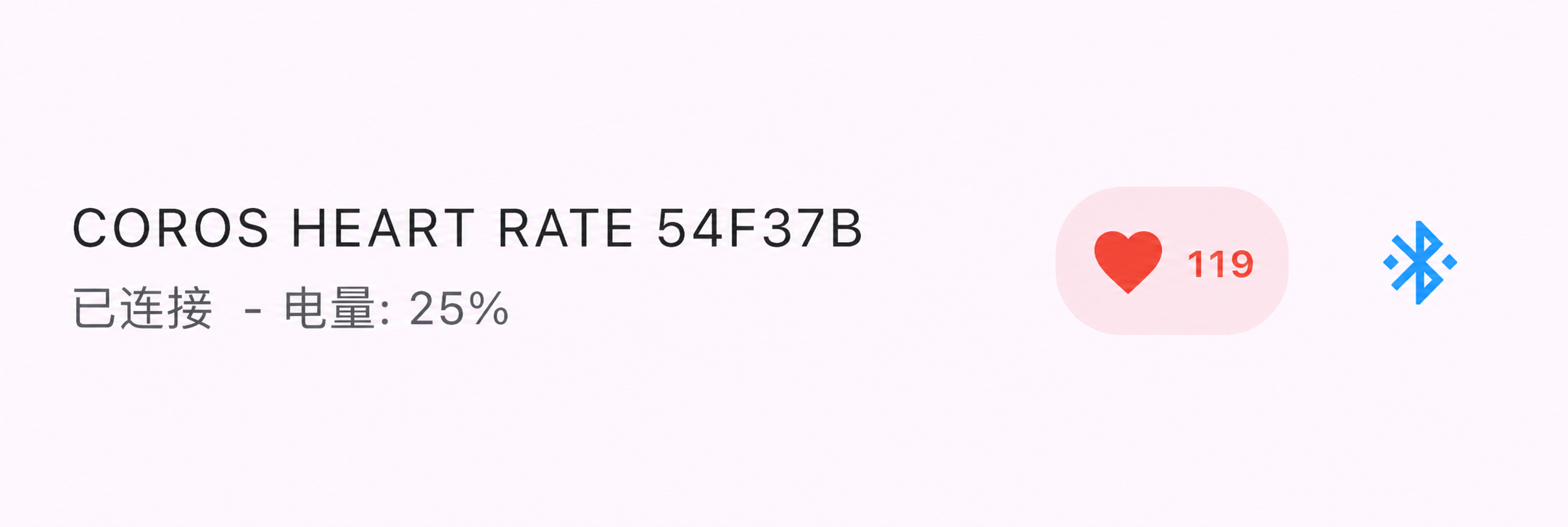
- Open MultiHR, tap the search icon, and find COROS HEART RATE.
- Connect the device and check that a live heart rate appears under Connected Devices.
Record heart rate and export Excel or CSV
With just your COROS monitor connected, MultiHR automatically records the monitoring session. Watch the live curve without starting a manual multi-device recording.
To export, open the COROS device details, tap the top-right menu, and choose Export Current Data. The ZIP contains an Excel workbook and CSV files for reviewing the recorded samples on a computer.
See the MultiHR tutorial for the full connection and export workflow.
Keep your phone connected
The COROS armband needs a connected receiver to collect data; it does not store a workout for later offline download. Keep your phone nearby with Bluetooth connected throughout recording.
For longer sessions on Android, check the background recording settings before you start.
Use your COROS monitor with MultiHR
Connect, view, record, and export on iOS or Android.